Quick Settings Menu
Picard version 3 introduced a new menu to allow quick toggling of selected option settings without having to open the main window.
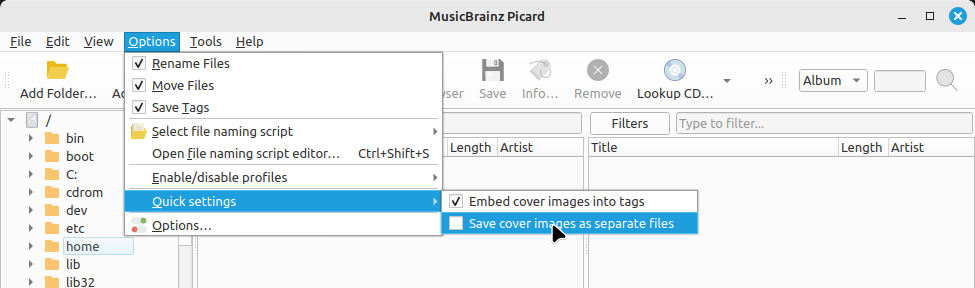
The user can select which options settings appear in this menu in the “Quick Settings Menu” section of the window.
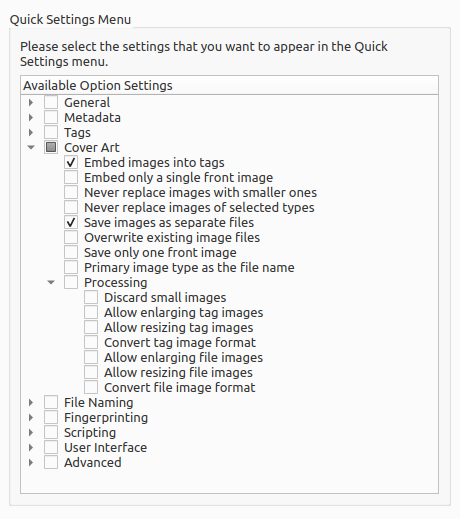
All selected option settings will appear in the menu, and if there are no option settings selected the menu will only include the link to options page where the quick settings menu items are selected.