Setting the Cover Art
Once the release information has been downloaded, selecting an album or track in the right-hand pane will display both the original and new coverart for the selected item. You can easily replace the coverart image used for the selected item by dragging the image from the file browser and dropping it on the New Cover Art image.
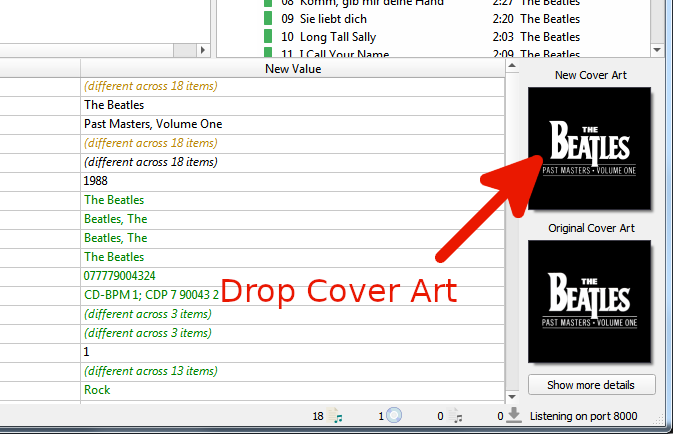
You can also choose a local file as cover art by right clicking on the image and selecting from the menu.
The menu also provides additional options including , , and options for the way that images dropped onto the selection are processed. Selecting will bring up a new window as:
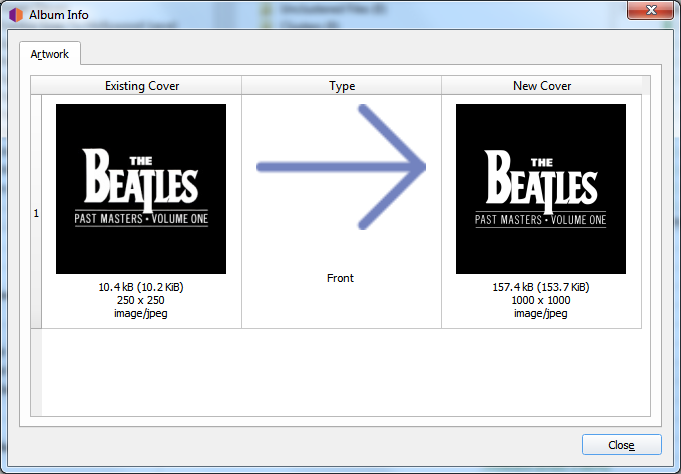
Double-clicking an image will open the image file in the system default program for the image type.